Import & size
Import one SVG, set Maximum Wax Melt Size, rotate when needed, and adjust the wax-melt body and raised-detail heights.
Import your artwork once, set the wax-melt size and relief, choose a 6, 9 or 12-cavity layout, position the pull tab, inspect the tray in 2D or 3D color preview, then export the mold as STL.

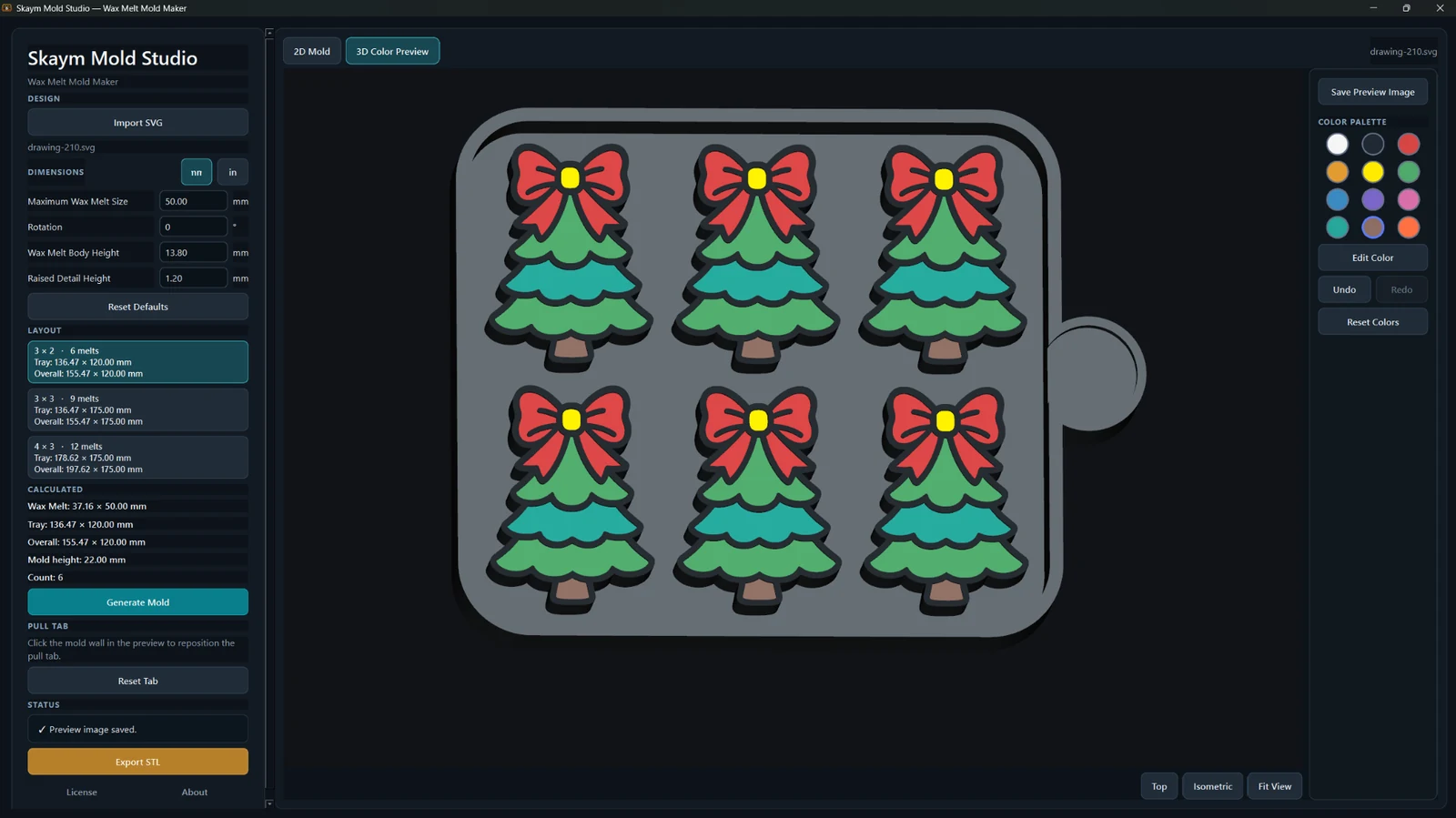
The app repeats the same fitted design across the selected tray layout, while keeping the mold-specific controls together in one Windows workflow.
Import one SVG, set Maximum Wax Melt Size, rotate when needed, and adjust the wax-melt body and raised-detail heights.
Select 3×2, 3×3 or 4×3. The app calculates the wax-melt, tray, overall and mold dimensions for the chosen layout.
Move the pull tab on the mold wall, inspect the mold in 2D or 3D color preview, save a preview image and export STL.
Choose the cavity count that fits the batch you want to make. Each layout uses the same imported artwork and fitted wax-melt geometry.
Six wax melts in a compact two-row layout.
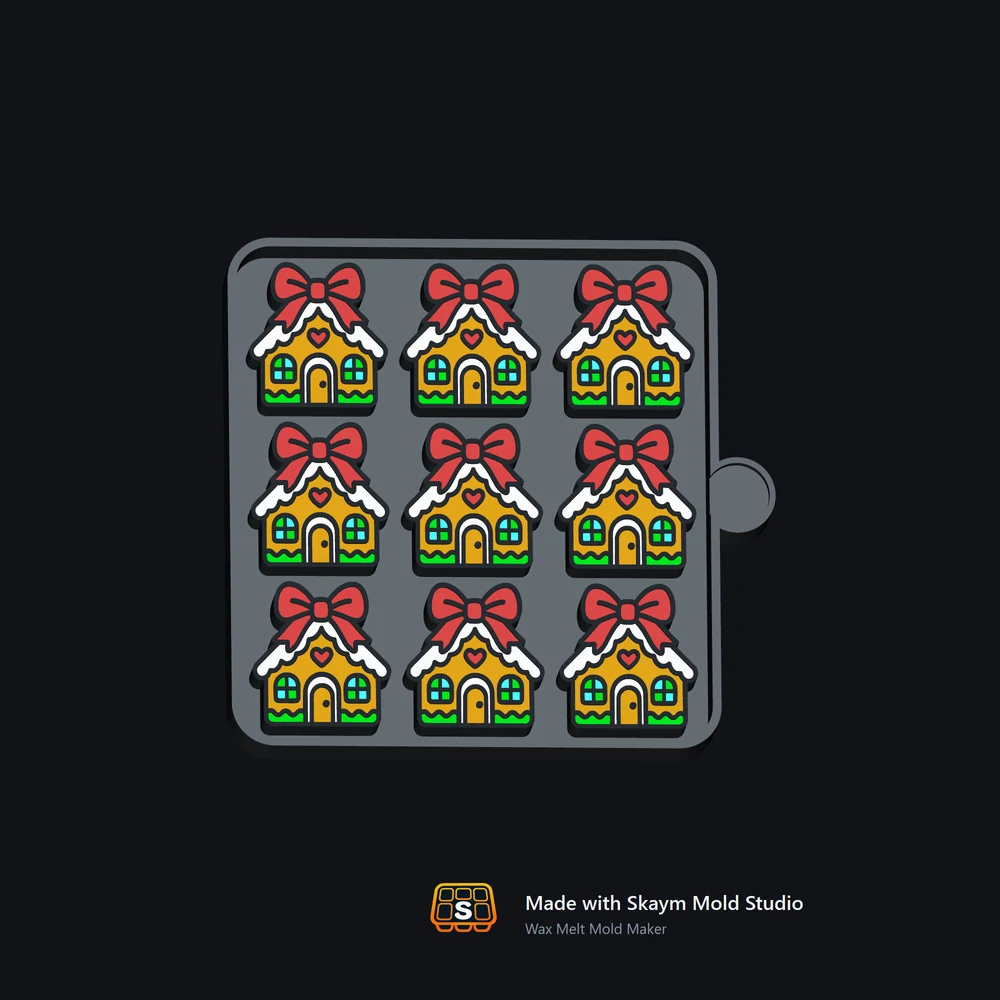
Nine wax melts in a balanced square layout.
Twelve wax melts for a larger batch tray.
The 2D Mold view keeps structural regions clear; the 3D Color Preview lets you inspect the finished tray and work with preview colors before export.
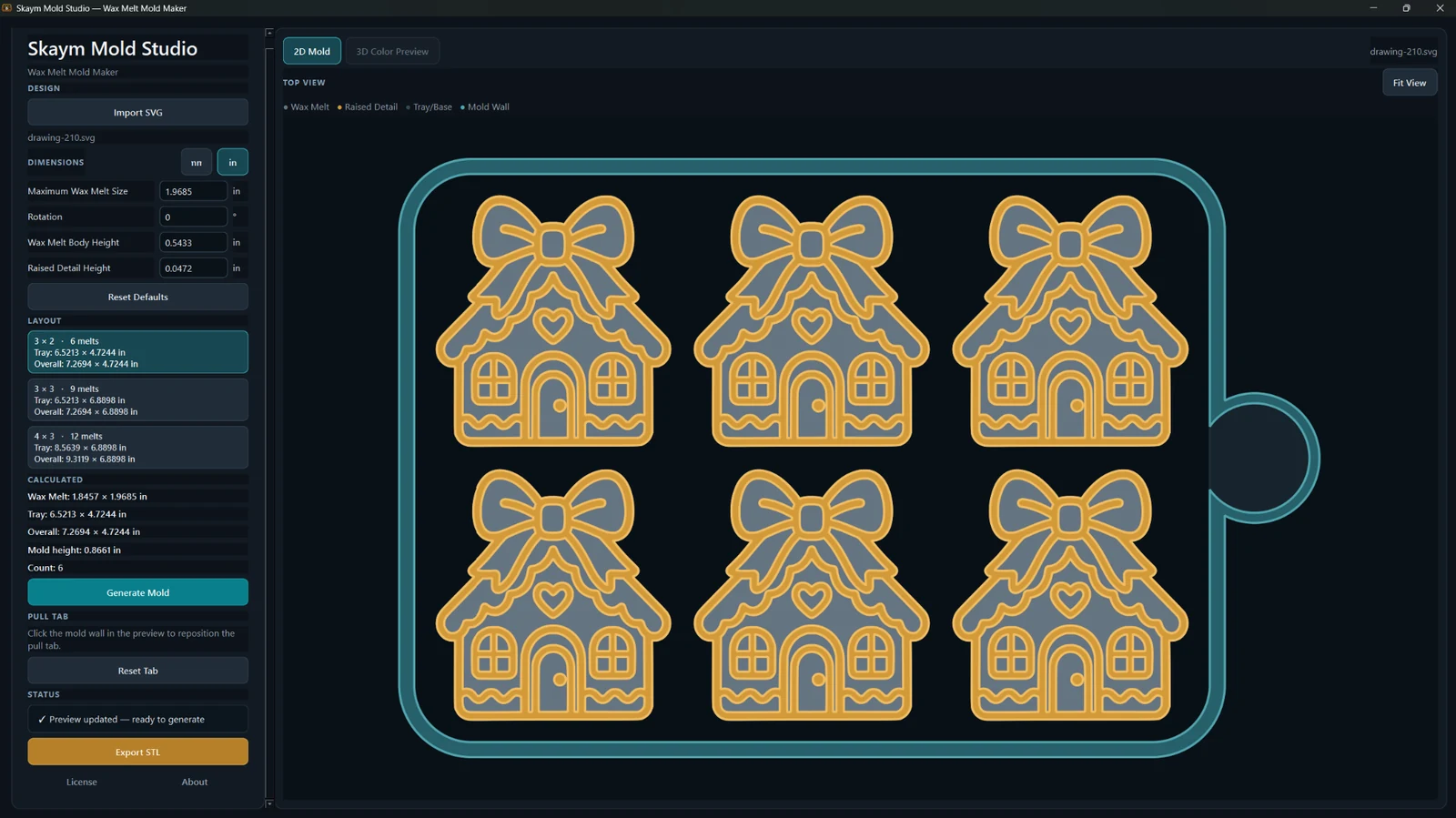
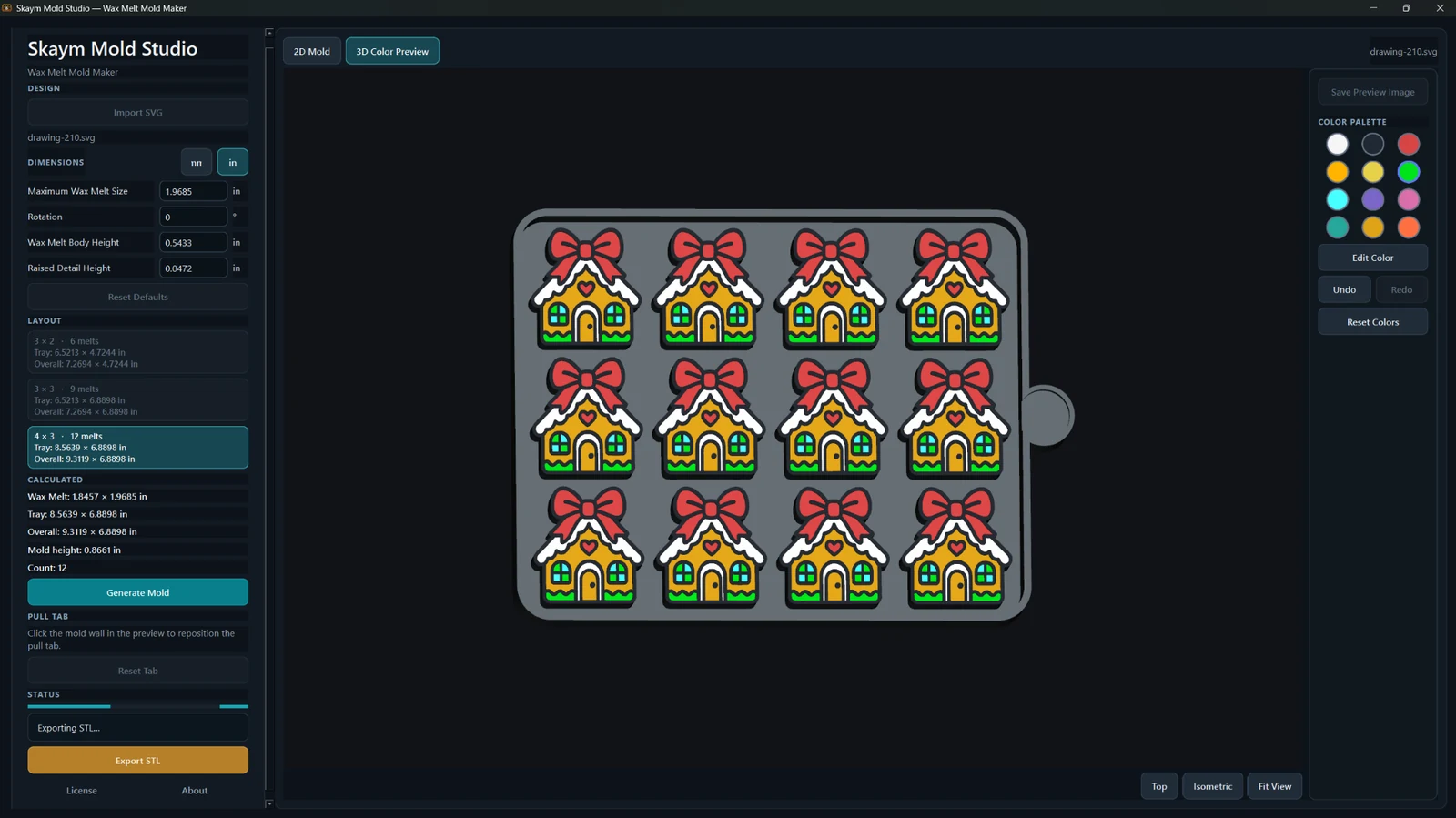
Wax Melt Mold Maker keeps sizing, layout, pull-tab placement, inspection, color preview and STL export in one focused desktop interface.
Import one SVG design and repeat the fitted geometry consistently across the selected tray layout.
Maximum Wax Melt Size uses a square fit envelope while preserving the artwork’s proportions.
Rotate the artwork and let the fitted bounds update around the rotated design.
Adjust Wax Melt Body Height and Raised Detail Height from the dimensions panel.
Generate 3×2, 3×3 or 4×3 trays for 6, 9 or 12 repeated wax melts.
Review wax-melt, tray, overall, mold-height and cavity-count values while setting up the mold.
Click the mold wall to reposition the pull tab, or reset it back to the app’s default placement.
Inspect the structural mold regions from the top before generating or exporting.
Inspect the generated tray in 3D with Top, Isometric and Fit View controls.
Use the palette plus Edit Color, Undo, Redo and Reset Colors to prepare a clear visual preview.
Switch the interface between millimeters and inches while keeping the underlying mold geometry consistent.
Save a preview image of the current mold presentation for listings, reference or sharing.
Export the generated wax-melt mold tray as STL for your slicer and 3D-printing workflow.
Import, generate, preview and export locally on your Windows PC; creative geometry is not uploaded for generation.
Real branded preview images exported from the app across 6, 9 and 12-cavity layouts.
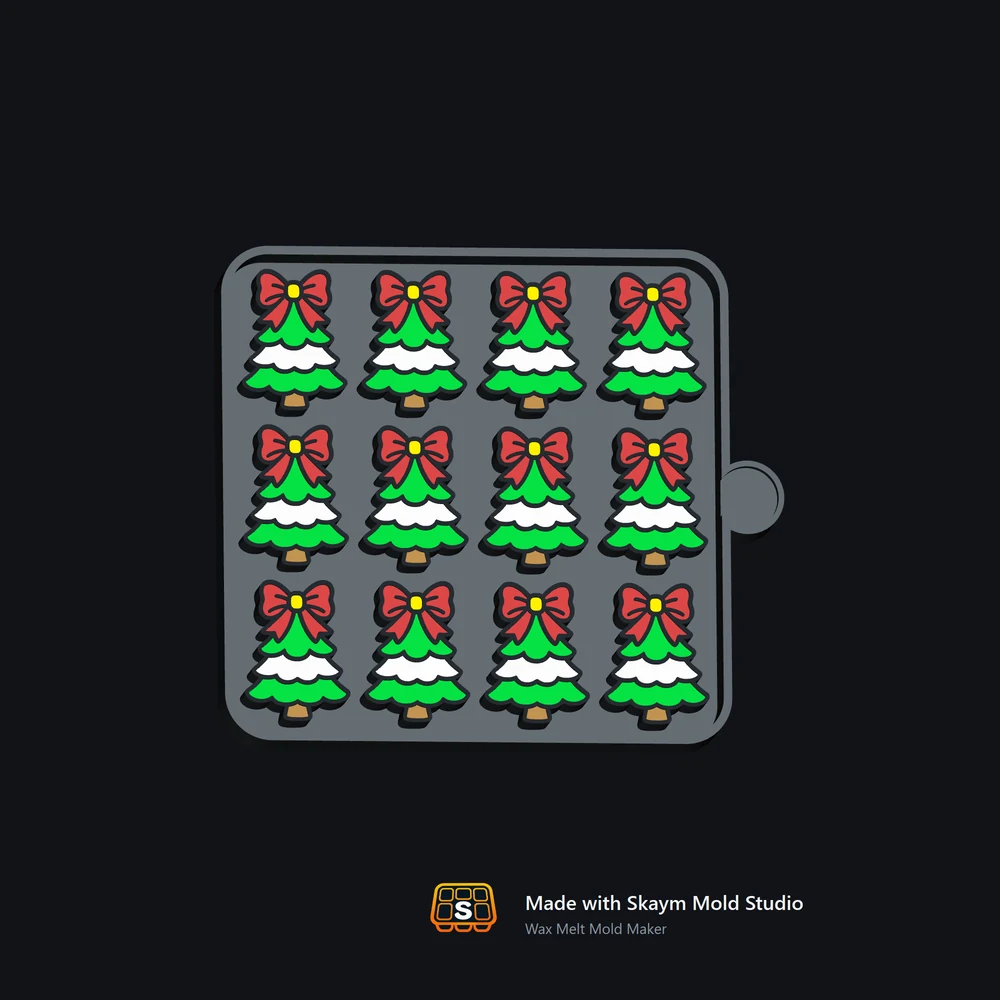


The creative workflow — SVG import, mold generation, preview and STL/preview export — runs locally on Windows rather than uploading your design geometry for cloud generation.
Once the product workflow is familiar, the next wax-melt design starts with the artwork instead of rebuilding tray spacing, walls, pull-tab placement and preview setup by hand.
Fit the artwork, choose the cavity count, inspect the mold and export the STL without creating the multi-cavity tray from scratch.
Keep the same mold-making process while the artwork and tray size change from project to project.
Both options unlock the Wax Melt Mold Maker feature set. There is no annual plan or free trial.
Choose Monthly or Lifetime at checkout.
Secure checkout and licensing are handled by Freemius. No annual plan is configured.
You may sell the STL files and physical products you create with Wax Melt Mold Maker. You are responsible for having the necessary rights or permission for any artwork, characters, logos or designs you import or use.
The supported layouts are 3×2 for 6 melts, 3×3 for 9 melts and 4×3 for 12 melts.
Wax Melt Mold Maker imports one SVG design and repeats the fitted source geometry across the selected tray layout.
Maximum Wax Melt Size supports 20 mm through 125 mm, with 50 mm as the default size setting. The artwork keeps its proportions inside that fit envelope.
Yes. Rotation is supported, and the fitted bounds are recalculated around the rotated design.
Yes. Click the mold wall in the preview to reposition the pull tab, and use Reset Tab to return it to the default placement.
2D Mold shows the structural mold regions from the top. 3D Color Preview shows the generated tray in 3D and provides viewing and preview-color controls.
The manufacturing export is STL. The app can also save a preview image. Wax Melt Mold Maker does not claim a 3MF manufacturing export.
No claim is made that the preview palette turns the STL into a multicolor manufacturing file. The color tools are for inspecting and presenting the preview.
The creative SVG-to-mold generation, preview and export workflow runs locally on your PC. Account, licensing, device, payment, support and security services may still process the information needed to operate those services.
The current Wax Melt Mold Maker build is a Windows desktop application.
Wax Melt Mold Maker is $19.99/month or $129.99 Lifetime. There is no annual plan or free trial.
One Wax Melt Mold Maker license can be used on up to 2 personal PCs.
Yes. You may sell the STL files and physical products you create with Wax Melt Mold Maker. You are responsible for having the necessary rights or permission for the artwork or designs you import.
Email skaymmoldstudio@gmail.com for Wax Melt Mold Maker support. Do not post private activation or license credentials publicly.
Set the melt size, choose 6, 9 or 12 cavities, place the pull tab, inspect the tray and export the mold STL.