Import your SVG
Bring in your artwork while keeping its visible proportions and orientation.
Use your own SVG artwork for a personal project, a gift, a custom order or a new shop design. Choose Through Straw Topper or Straw Cover, set the straw fit and position, add raised details, preview colors and export STL or color-aware 3MF.
Import your own SVG, choose Through Straw Topper or Straw Cover, then use the controls built for that product in one focused place.
Bring in your artwork while keeping its visible proportions and orientation.
Pick Through Straw Topper or Straw Cover, then place the straw opening or cover socket using the controls for that mode.
Work with raised details and colors, save a preview PNG, then export STL or color-aware 3MF ready for your slicer.
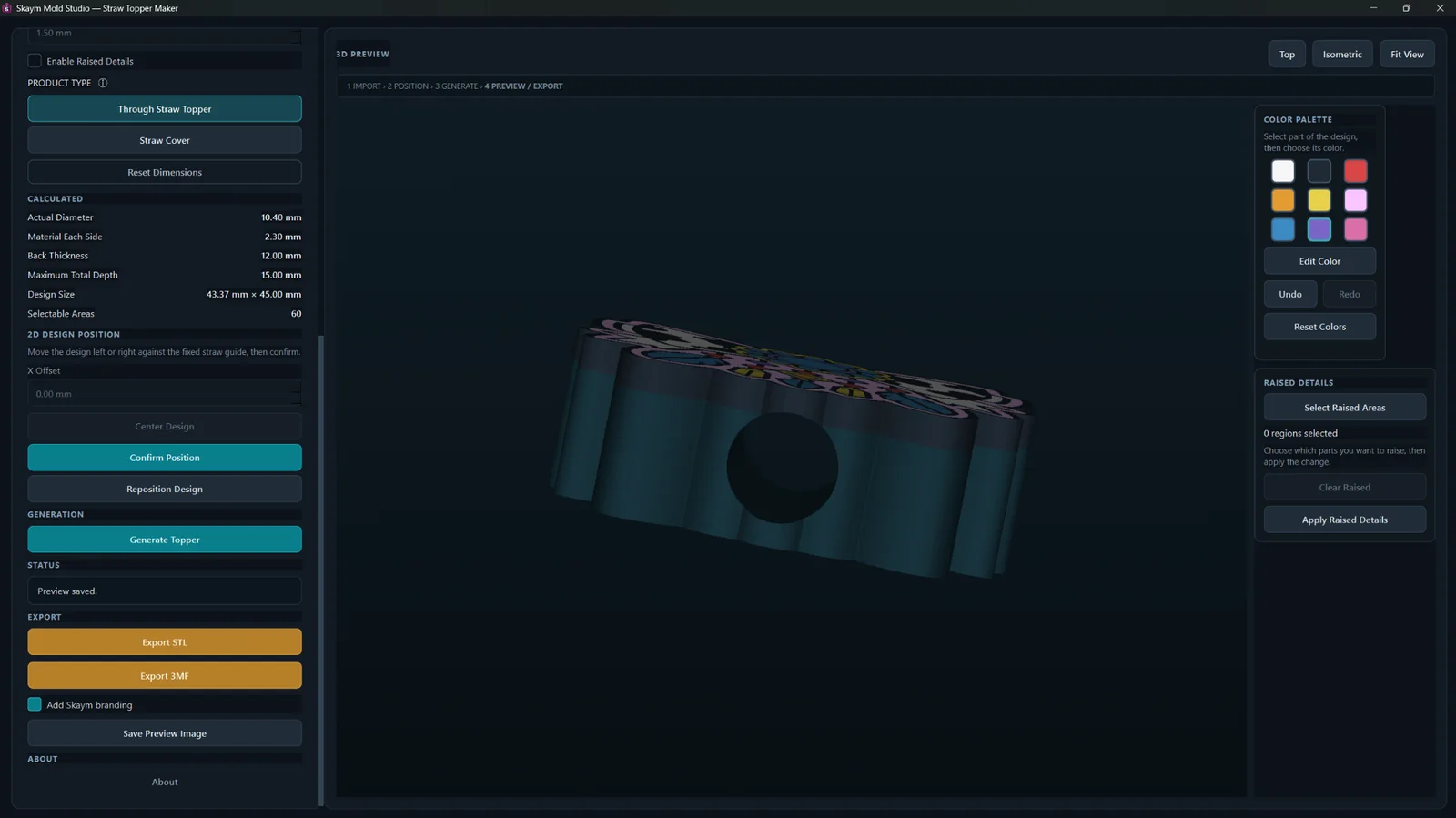
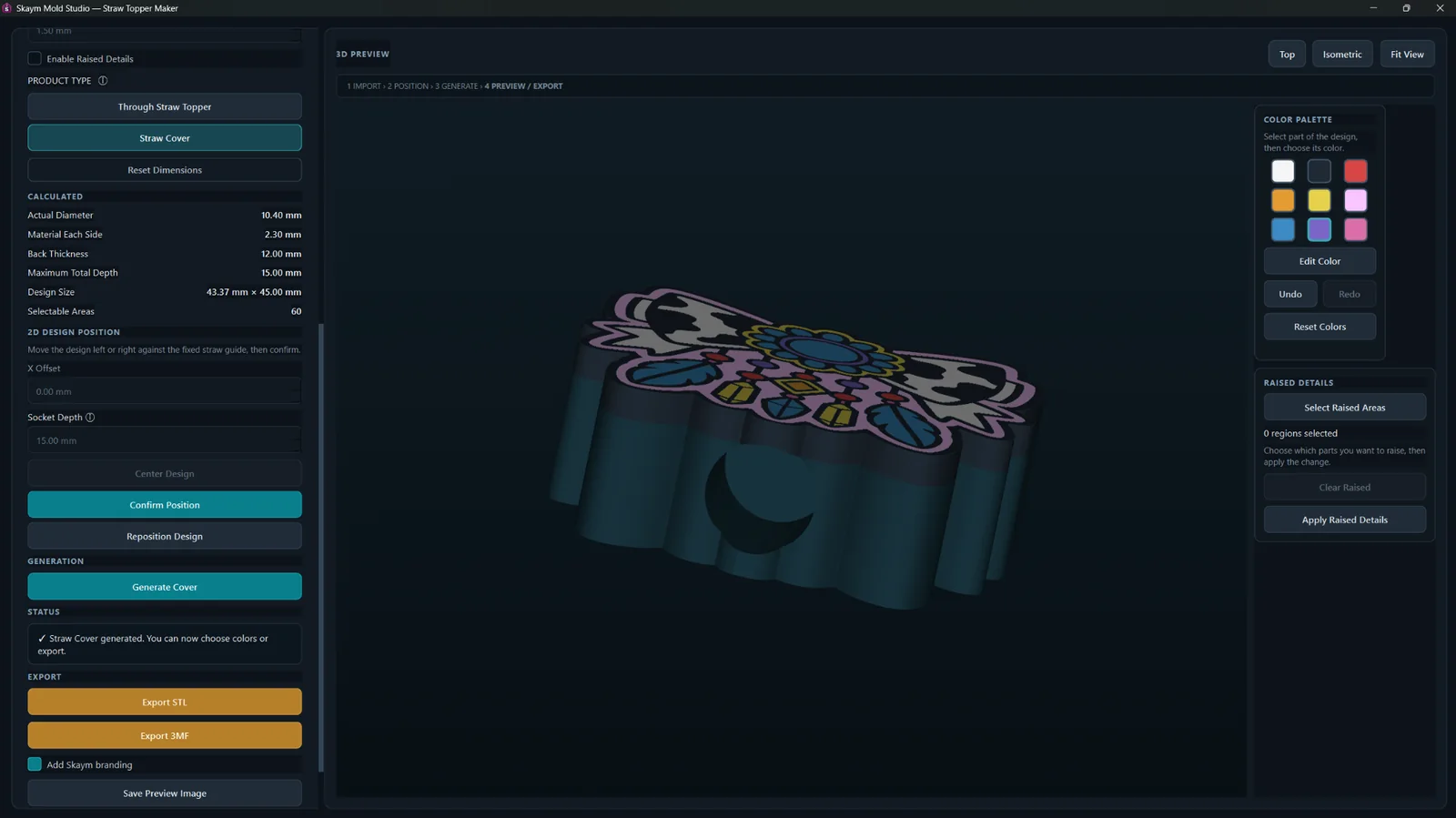
Choose Through Straw Topper or Straw Cover, place the straw feature, work with raised details and colors, then export STL, color-aware 3MF or a preview PNG.
Choose Through Straw Topper or Straw Cover instead of forcing both products through one generic setup.
Use your own SVG artwork while keeping the visible design proportions and orientation.
Adjust design size, straw fit, topper depth, front color layer and raised-detail relief from one panel.
Place the straw feature with mode-specific controls rather than rebuilding the opening manually.
Straw Cover mode includes dedicated socket-depth control for the cover fit.
Select design regions and apply raised details without leaving the app.
Assign and preview colors for different design regions before export.
Export a 3MF that carries the design’s assigned color information into the file.
Export STL for standard slicer and 3D-printing use.
Save a clean preview image or optionally add Skaym branding before export.
View dimensions in mm or inches while the app keeps the underlying measurements consistent.
Create, preview and export locally on Windows. Your SVG artwork, topper files, colors and previews stay on your PC during creation and export.
A few examples created directly with Straw Topper Maker, showing different artwork styles and finished color previews.
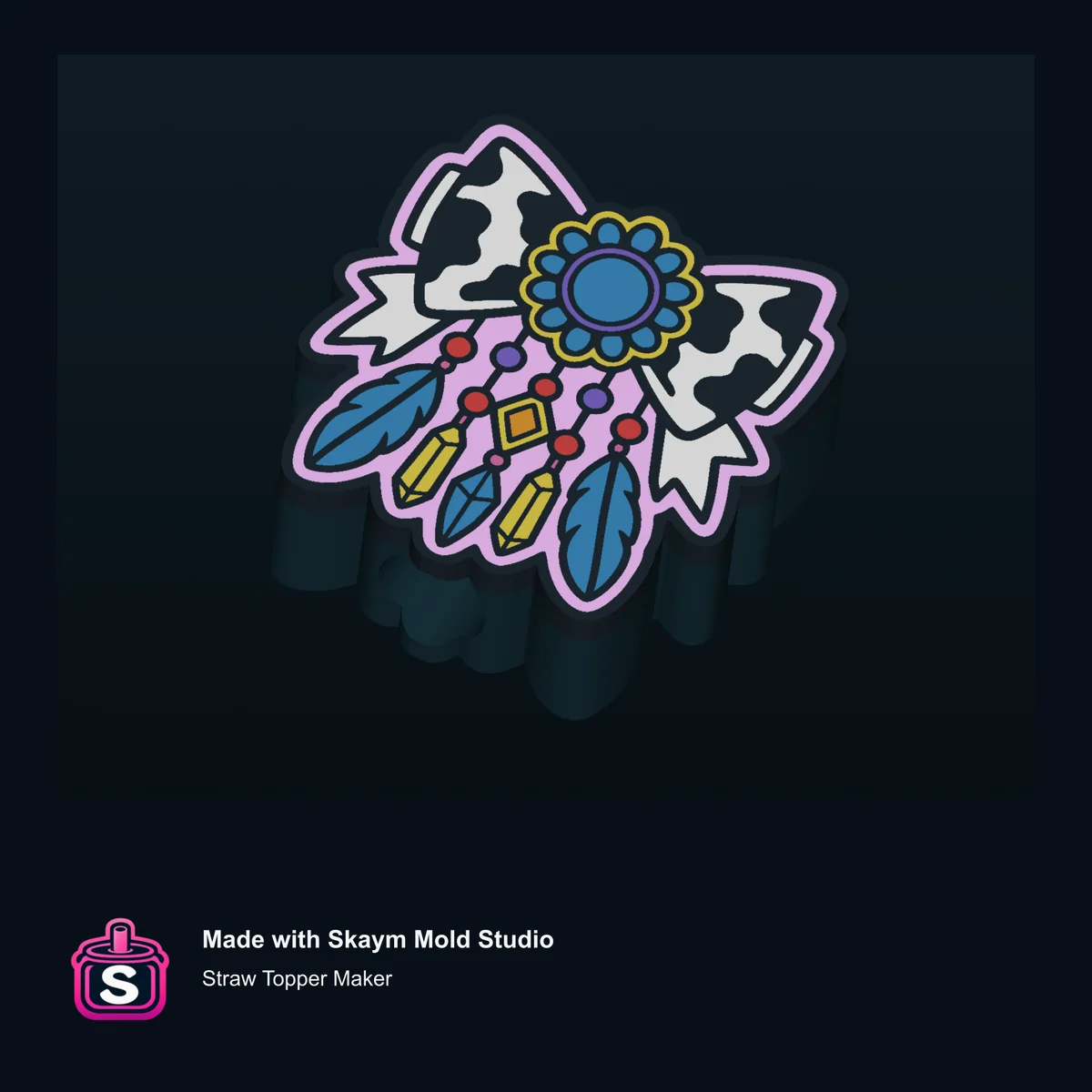

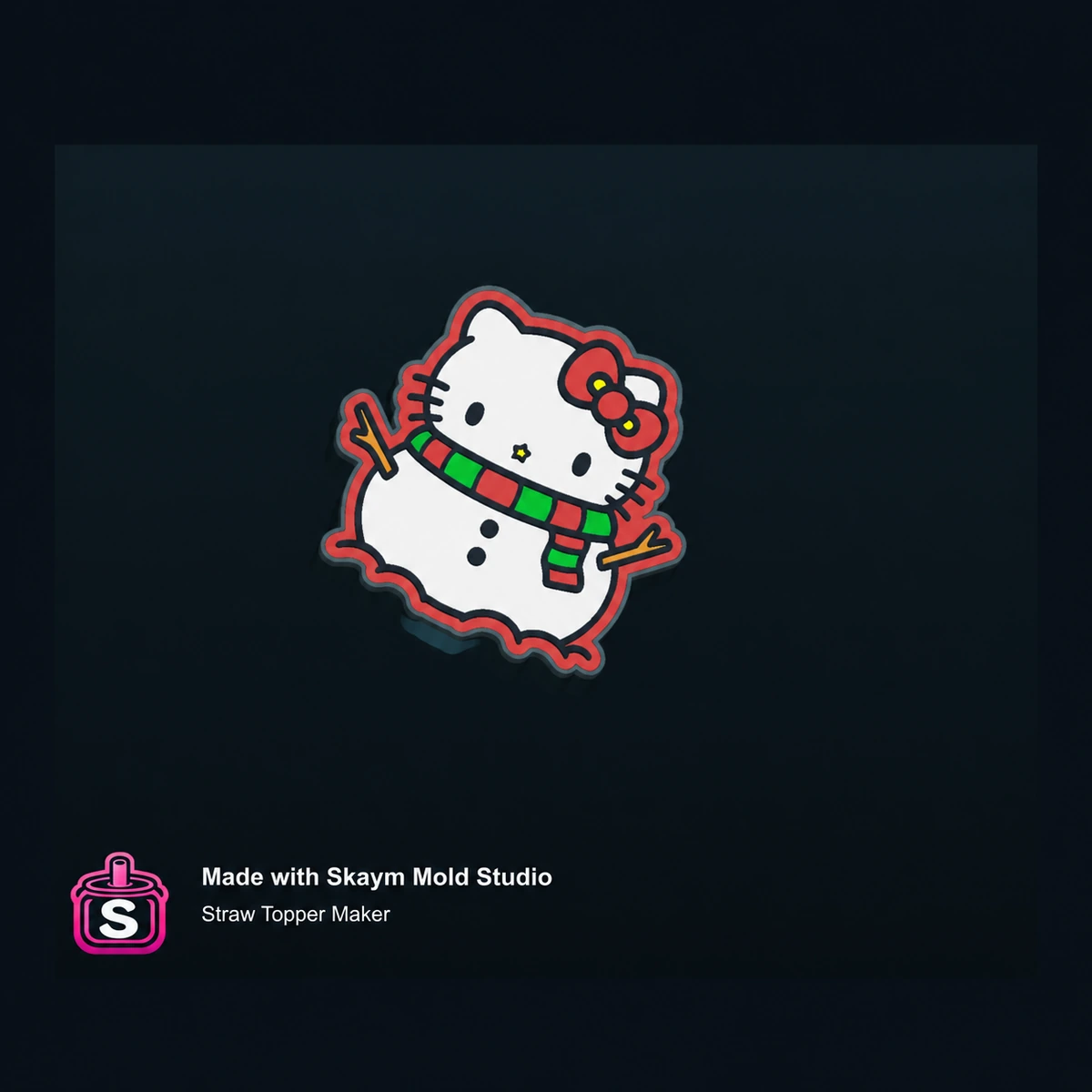
Straw Topper Maker creates and exports your toppers locally on Windows. Your SVG artwork, topper files, STL/3MF exports, preview images and design colors stay on your computer during the creative process.
Straw Topper Maker keeps the topper-specific setup together so the app stays useful whether you are making one special design or coming back with new SVGs again and again.
Choose Through or Cover, set the straw fit and position, add raised details if you want them, preview colors and export — without first building a general CAD setup around the project.
The product modes, fit controls, raised details, color preview and export options are already in place when you have another design to make.
Both options unlock the same Straw Topper Maker feature set. Choose Monthly or Lifetime at checkout. No annual plan.
Choose Monthly or Lifetime at checkout.
The LAUNCH1 offer is already applied: $7.99/month or $39.99 Lifetime. Monthly launch pricing applies to renewals while that subscription remains active. Freemius emails your license key and Windows download link after purchase.
Use on up to 2 personal PCs. Purchases are subject to the Freemius checkout terms, our Refund Policy and applicable law.
You may sell the STL/3MF files and physical products you create with Straw Topper Maker. You are responsible for having the necessary rights or permission for any artwork, characters, logos or designs you import; Skaym Mold Studio does not grant rights to third-party artwork.
It has two dedicated modes: Through Straw Topper and Straw Cover.
Straw Topper Maker imports SVG artwork.
No. It is a tool for turning your own SVG artwork into custom topper files. It does not provide a library of ready-made topper designs.
The app supports STL, color-aware 3MF and preview PNG export, including an optional Skaym-branded preview.
Yes. You can apply raised details and assign or preview colors before export.
Through Straw Topper uses a pass-through straw opening. Straw Cover fits over the straw with its own cover socket and socket-depth control.
No. Your SVG artwork and generated topper files stay on your PC during creation and export. Checkout, account, license, device, payment and security services may still process the information needed to operate those services.
On first launch, Windows SmartScreen may display “Windows protected your PC.” If it does, click More info → Run anyway. You do not need to disable Windows Security, Microsoft Defender or SmartScreen.
After purchase, use the Freemius license key delivered with your order. The license can be used on up to 2 personal PCs.
Freemius emails your Windows download link after purchase. You can also use the Freemius Customer Portal to access the purchased Windows build again.
Email skaymmoldstudio@gmail.com for Straw Topper Maker purchase, license or product support.
Yes. Straw Topper Maker v1.0.0 is available now for Windows. Launch pricing is $7.99/month or $39.99 Lifetime.
Yes. You may sell generated STL/3MF files and physical products you create with Straw Topper Maker. You are responsible for having the necessary rights or permission for the artwork or designs you import.
Launch pricing is $7.99/month or $39.99 Lifetime. Regular pricing is $9.99/month or $49.99 Lifetime. There is no annual plan.
Create Through Straw Toppers or Straw Covers from your own artwork for personal projects, gifts, custom work or shop designs. Position the straw feature, add raised details, preview colors, then export STL or color-aware 3MF.