Choose your slide style
Start with Classic Oval or the Soft / Stretched Rounded Rectangle body and choose whether you want the fixed outer border.
Create traditional stick hair slides with text or SVG artwork in one maker-focused Windows app. Choose a body style, adjust your design, preview it in 2D and 3D, add raised areas, then export the Body STL, multipart 3MF or separate Pin STL.
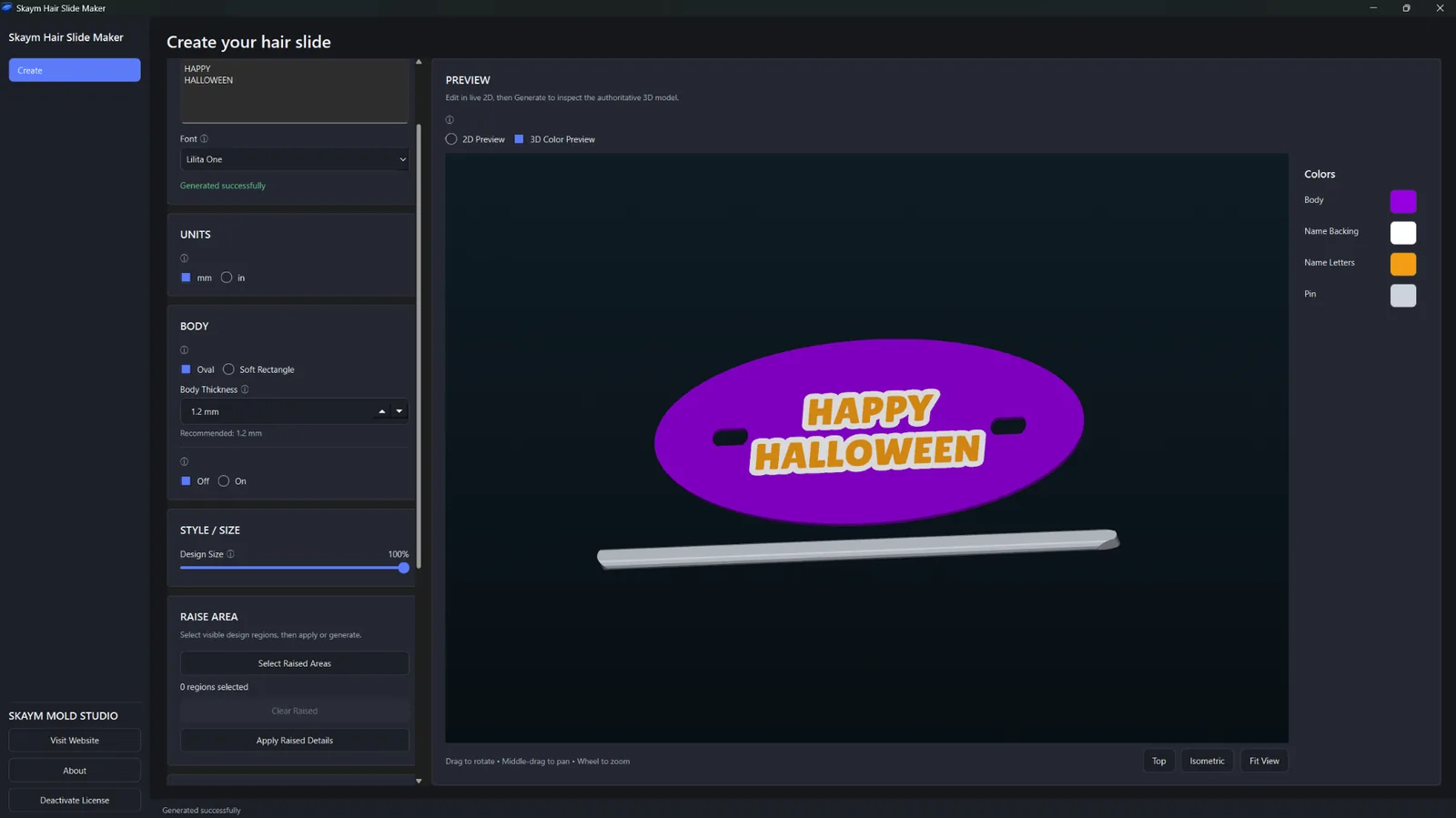
Hair Slide Maker keeps the slide-specific controls together so you can focus on the design instead of building the entire project manually in general-purpose CAD.
Start with Classic Oval or the Soft / Stretched Rounded Rectangle body and choose whether you want the fixed outer border.
Create with text or import SVG artwork, then adjust the design size while the app keeps the artwork automatically centered in the visual workflow.
Inspect the result in 2D and 3D, use Raise Area where needed, then export the printable body, multicolor 3MF or separate pin STL.
Real Hair Slide Maker screens showing both text and SVG workflows, different body styles and the generated 3D model before export.
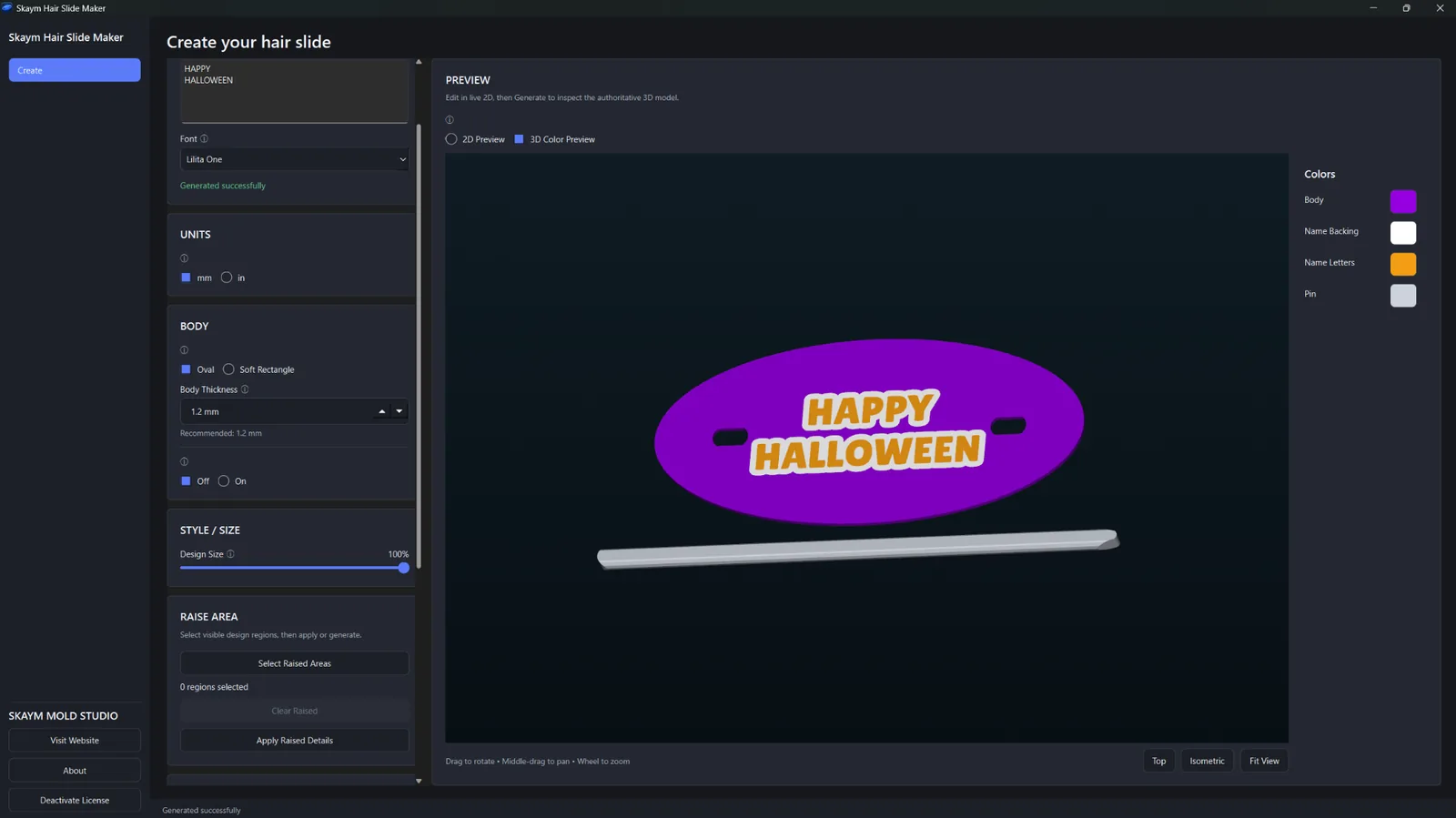
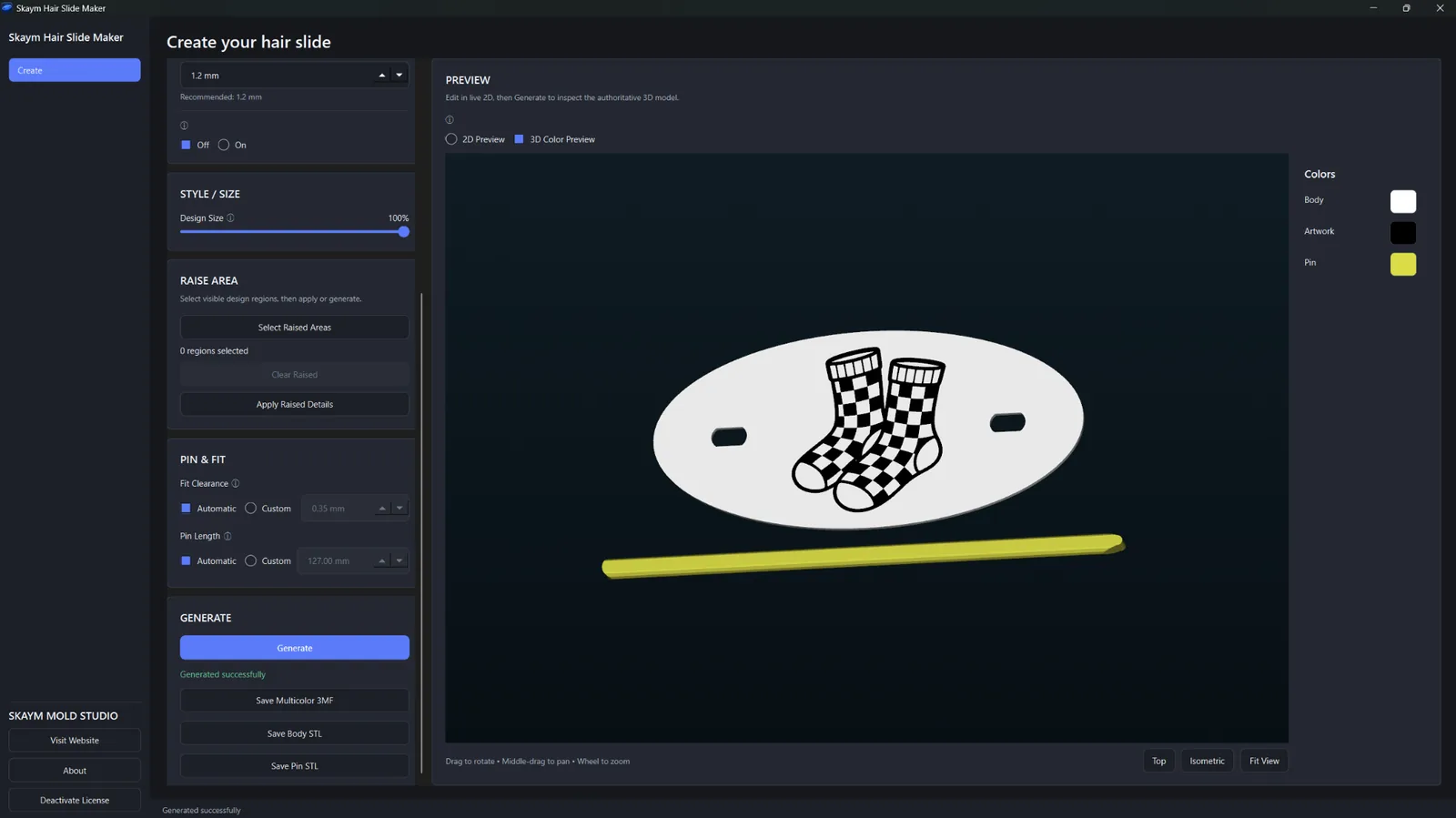
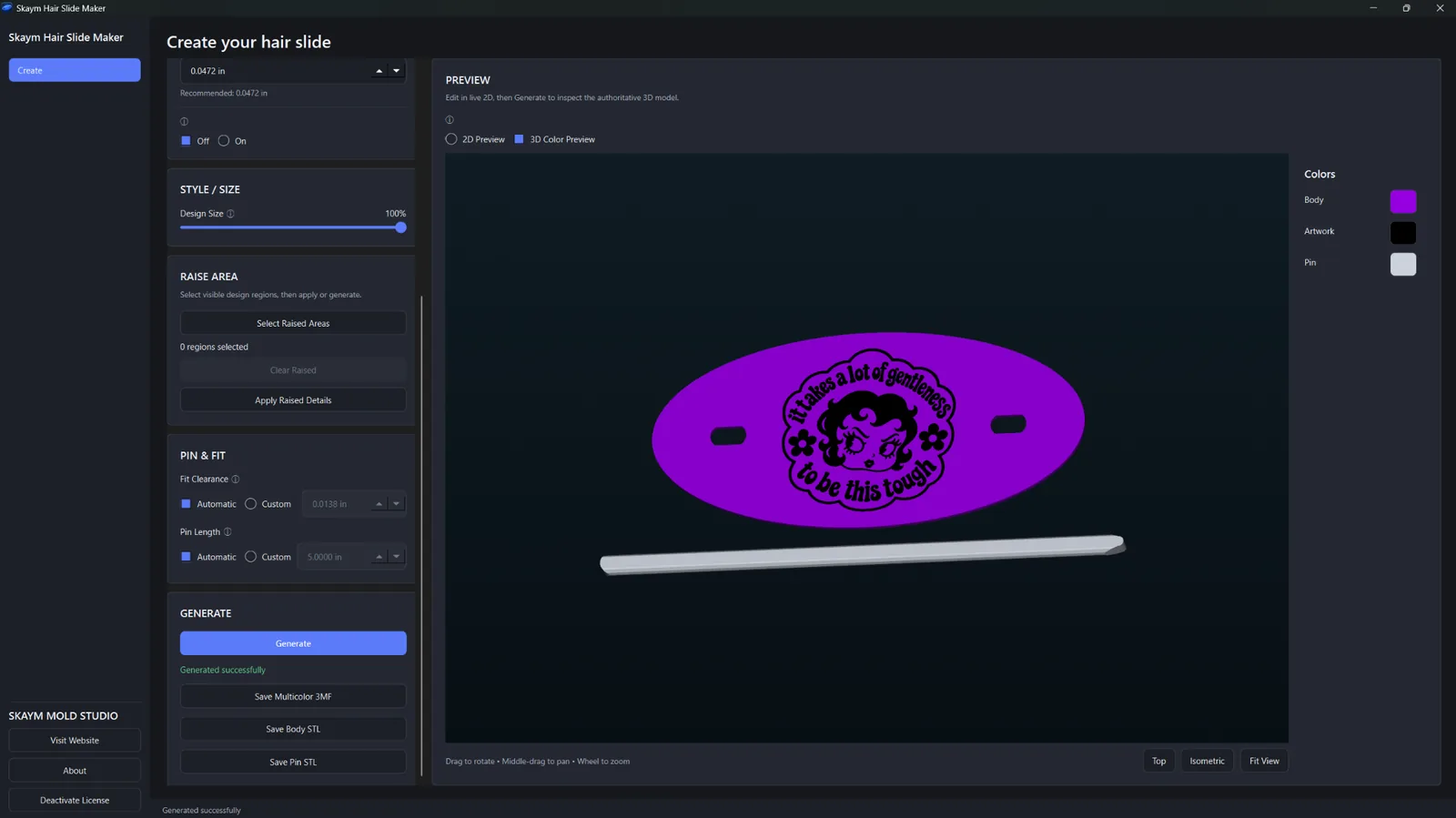
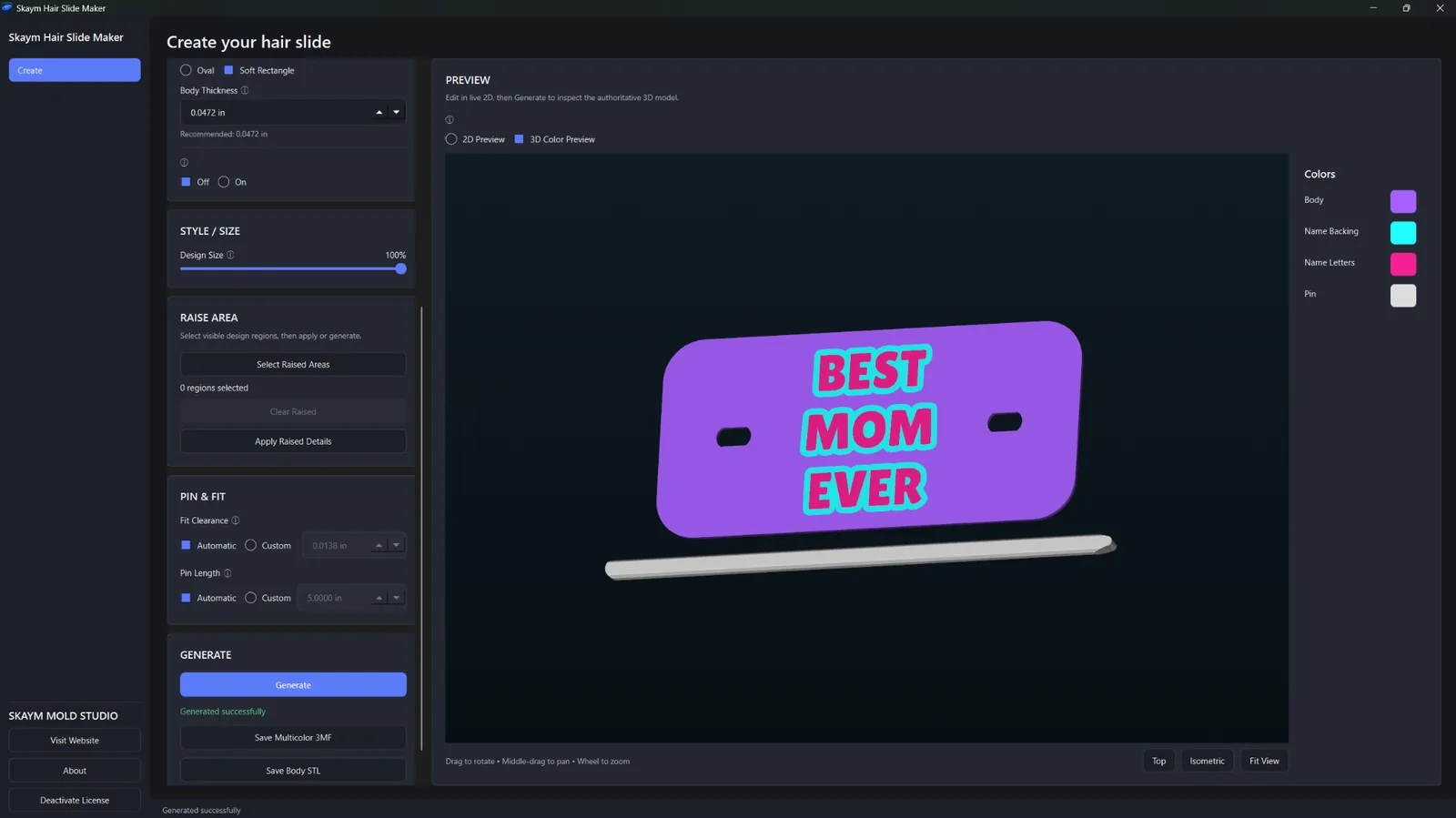
Work with text or SVG artwork, control the slide body, inspect the result visually and export the manufacturing files from one Windows desktop app.
Create hair-slide designs from text in the same focused workflow.
Import SVG artwork and use it as the design for your printable hair slide.
Adjust the design visually while working with the slide body and artwork.
Inspect the generated model in 3D before exporting your print files.
Preview design regions and colors in the app before export; those preview colors are separate from the filament assignments you choose in your slicer.
Choose Classic Oval or the Soft / Stretched Rounded Rectangle body.
Add the fixed outer border when that style fits the design.
Resize the design and use automatic centering to keep the workflow fast and visual.
Select areas for raised STL relief without rebuilding the model manually.
Export the printable hair-slide body as its own STL file.
Export separate printable regions/bodies in one 3MF so filament or color assignments can be set in your slicer.
The stick/pin is a separate printable part and can be exported as its own STL.
Design generation and manufacturing work happen locally on your Windows PC.
Examples generated directly in Hair Slide Maker, showing text designs, imported SVG artwork, different body shapes and color combinations.
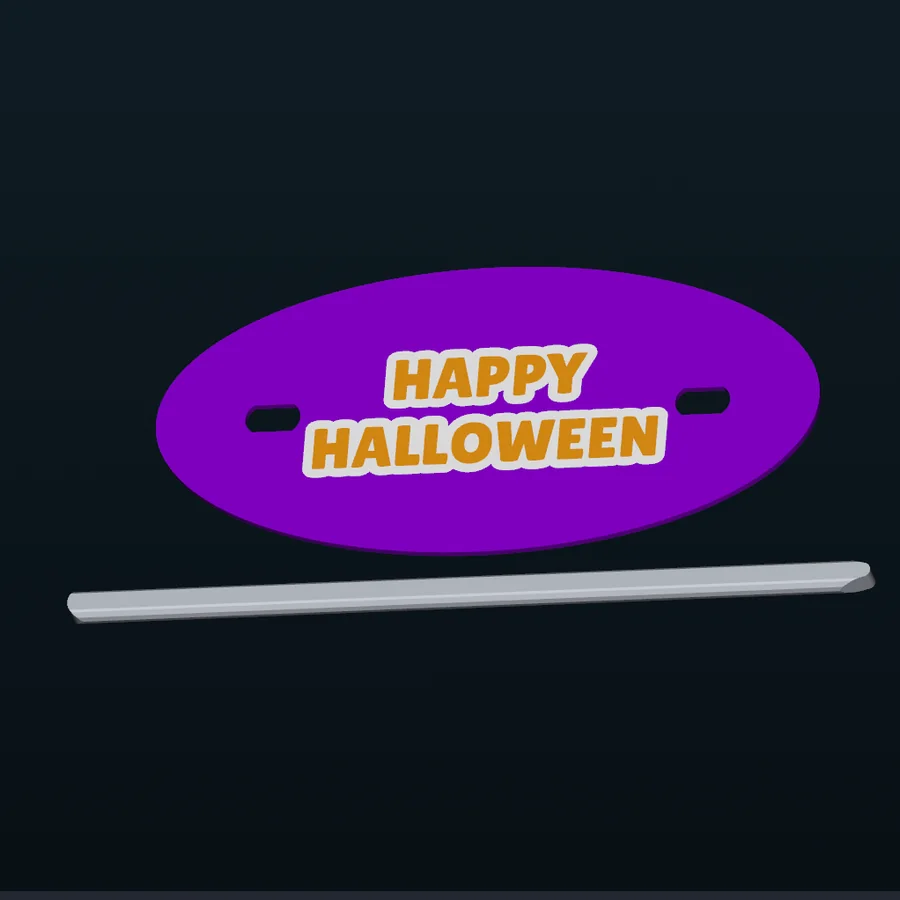


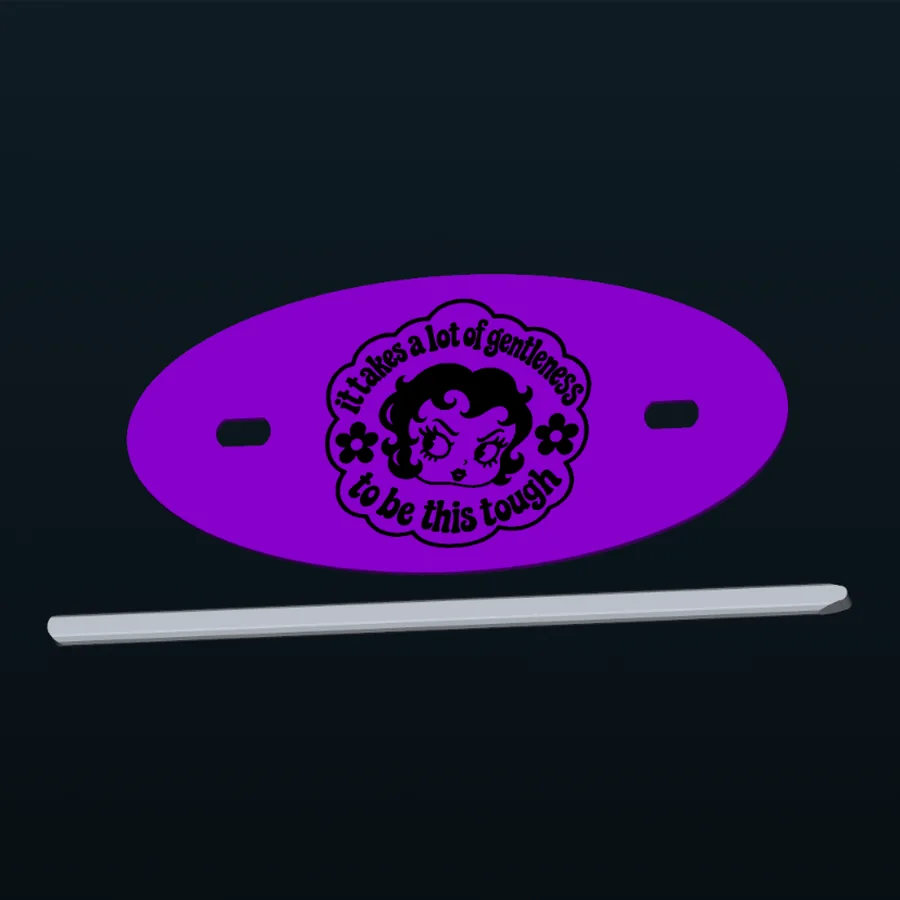
Hair Slide Maker performs the design and manufacturing workflow locally on Windows. Your text/SVG artwork and generated STL/3MF design content do not need to be uploaded to Skaym for generation.
Hair Slide Maker keeps the slide body, artwork, preview, raised-area and export workflow together for makers who want a dedicated tool instead of a general-purpose modeling project.
Create with text or bring in SVG artwork, then adjust the design visually around the chosen hair-slide body.
Save the body STL, multicolor 3MF or separate pin STL from the same focused workflow.
Monthly and Lifetime unlock the same Hair Slide Maker feature set. There is no annual plan, free trial or launch discount.
Choose Monthly or Lifetime at checkout.
Secure checkout is handled by Freemius. After purchase, Freemius emails your license key and Windows download link. Extract the ZIP, launch the app and activate it with your license key.
Use on up to 2 personal PCs. Windows SmartScreen may show “Windows protected your PC” on first launch; choose More info → Run anyway. You do not need to disable Windows Security, Microsoft Defender or SmartScreen.
You may sell the STL/3MF files and physical products you create with Hair Slide Maker. You are responsible for having the necessary rights or permission for any artwork, logos, characters or other designs you import or use.
It creates printable traditional stick hair slides using either text or imported SVG artwork.
The current workflow includes Classic Oval and a Soft / Stretched Rounded Rectangle body, with an optional fixed outer border.
Hair Slide Maker exports the Body STL, a multipart multicolor 3MF, and the separate Pin STL. The 3MF keeps printable regions separate so filament or color assignments can be set in your slicer; the app preview colors are not embedded as fixed filament choices. PNG export is not part of Hair Slide Maker v1.0.0.
No. The pin/stick is a separate printable part with its own STL export.
Yes. Hair Slide Maker includes live 2D editing/preview and an integrated 3D preview.
No. Hair-slide design generation and manufacturing work happen locally on your PC. Checkout, account, license, device, payment and security services may still process the information needed to operate those services.
On first launch, Windows SmartScreen may display “Windows protected your PC.” If it does, click More info → Run anyway. You do not need to disable Windows Security, Microsoft Defender, or SmartScreen.
One Hair Slide Maker license can be used on up to 2 personal PCs.
No. Hair Slide Maker v1.0.0 is a Windows desktop application.
Hair Slide Maker is $7.99/month or $59.99 Lifetime. There is no annual plan, free trial or launch discount.
Yes. You may sell the STL/3MF files and physical products you create with Hair Slide Maker. You are responsible for having the necessary rights or permission for any artwork or designs you import or use.
Email skaymmoldstudio@gmail.com for Hair Slide Maker support. Do not post your license key publicly.
Choose a slide style, add your design, preview the result, then export the Body STL, multipart 3MF or separate Pin STL from one dedicated Windows app.