Create from text
Type a name or text, choose the design settings and let the app build the printable geometry around it.
Build name designs, signs, keychains and related printable designs without manually constructing every project in CAD. Work from text or SVG artwork, generate the backing, add a keychain hole when needed, use raised details, preview and color regions in 3D, then export raised STL or multipart 3MF with separate printable regions for slicer color assignment.

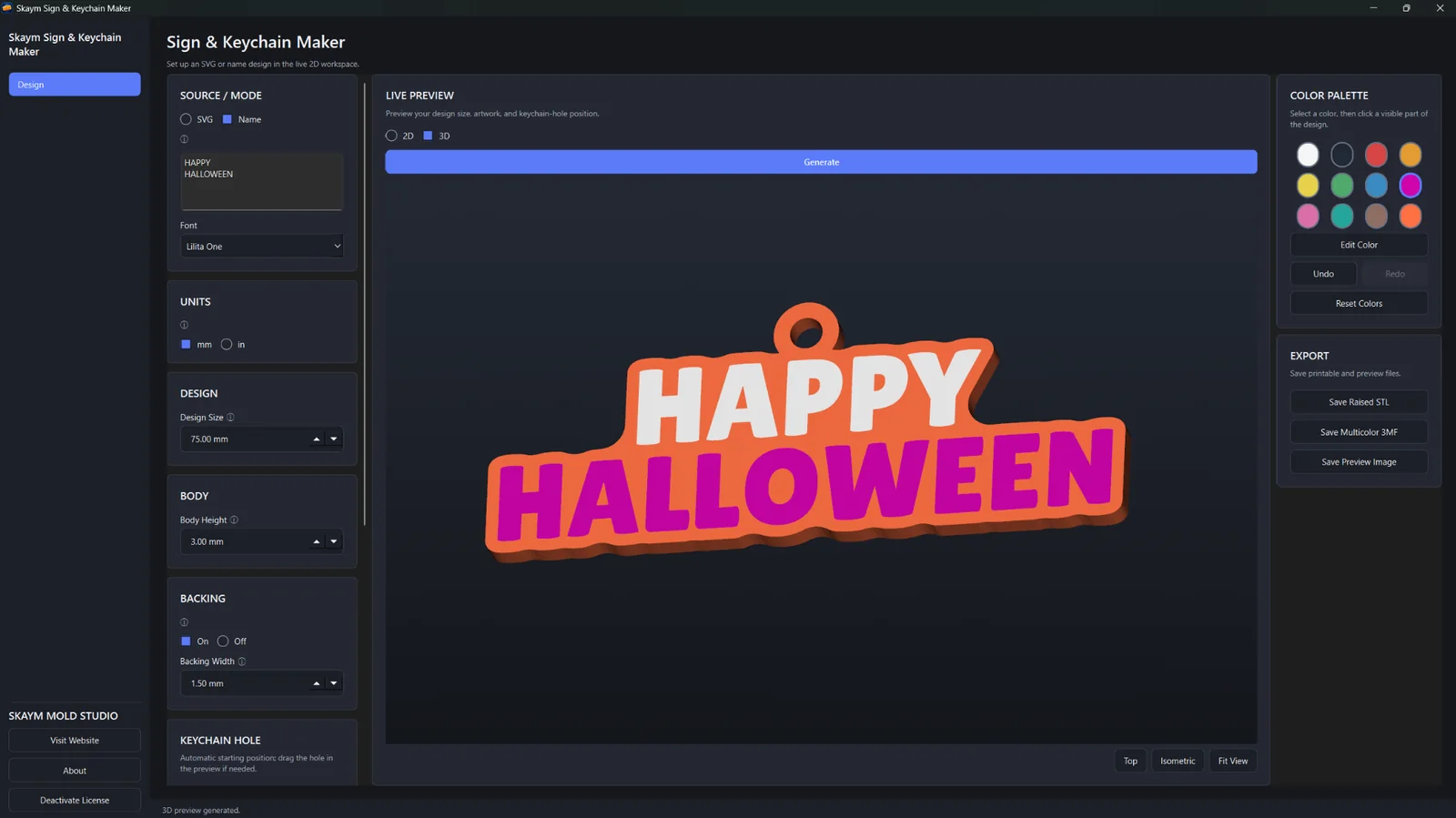
Choose Name / Text or SVG mode, generate the printable geometry, then continue through the same focused backing, keychain-hole, raised-detail, 3D preview and export workflow.
Type a name or text, choose the design settings and let the app build the printable geometry around it.
Bring in SVG artwork when the project starts from a logo, graphic or custom design instead of text.
Generate the backing and optional keychain hole, add raised details, inspect and color regions in 3D, then export raised STL, multipart 3MF or a preview image.
Real Sign & Keychain Maker screens showing Name / Text and SVG workflows, generated backing and keychain holes, and the finished model in the 3D preview before export.
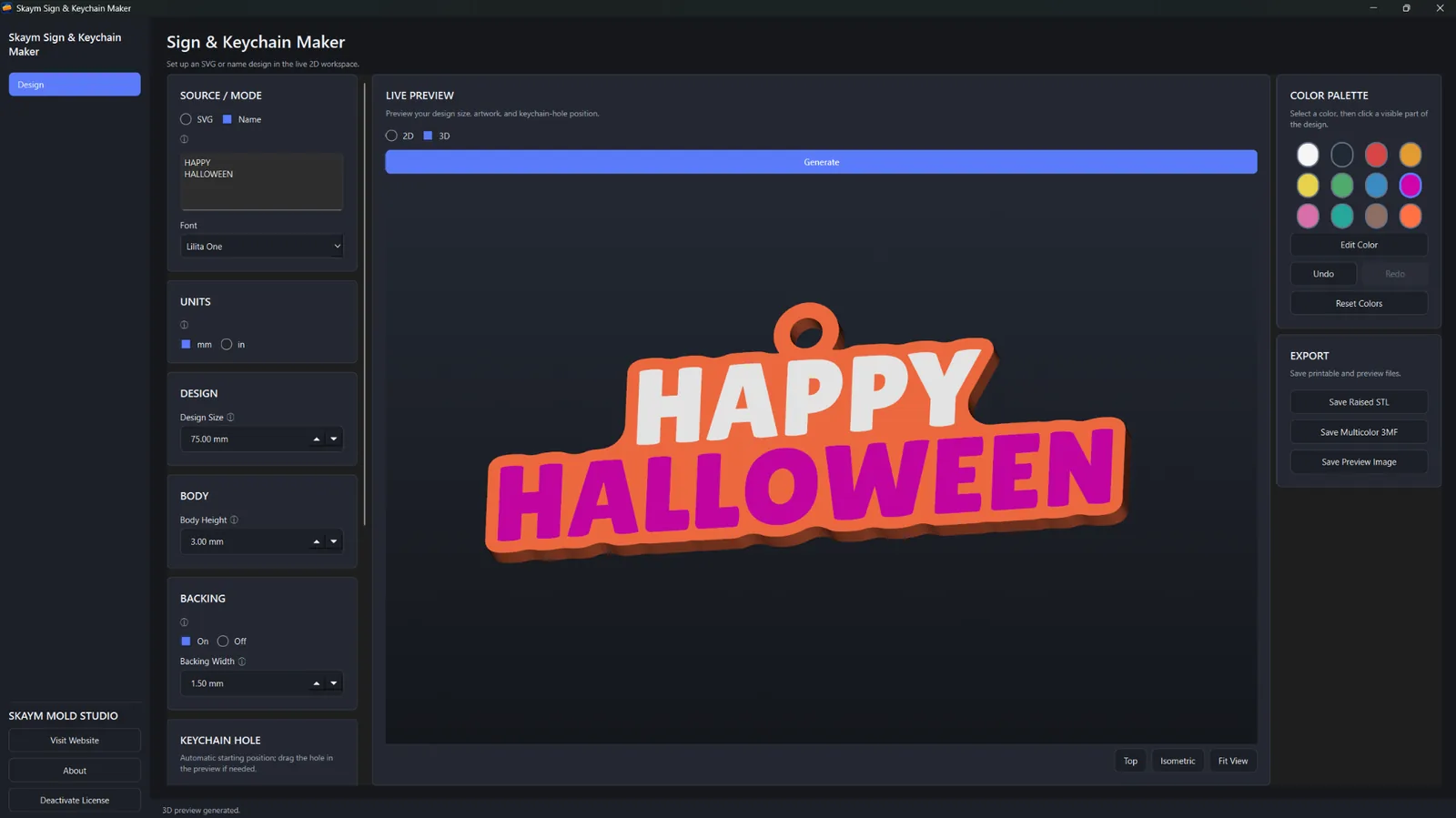
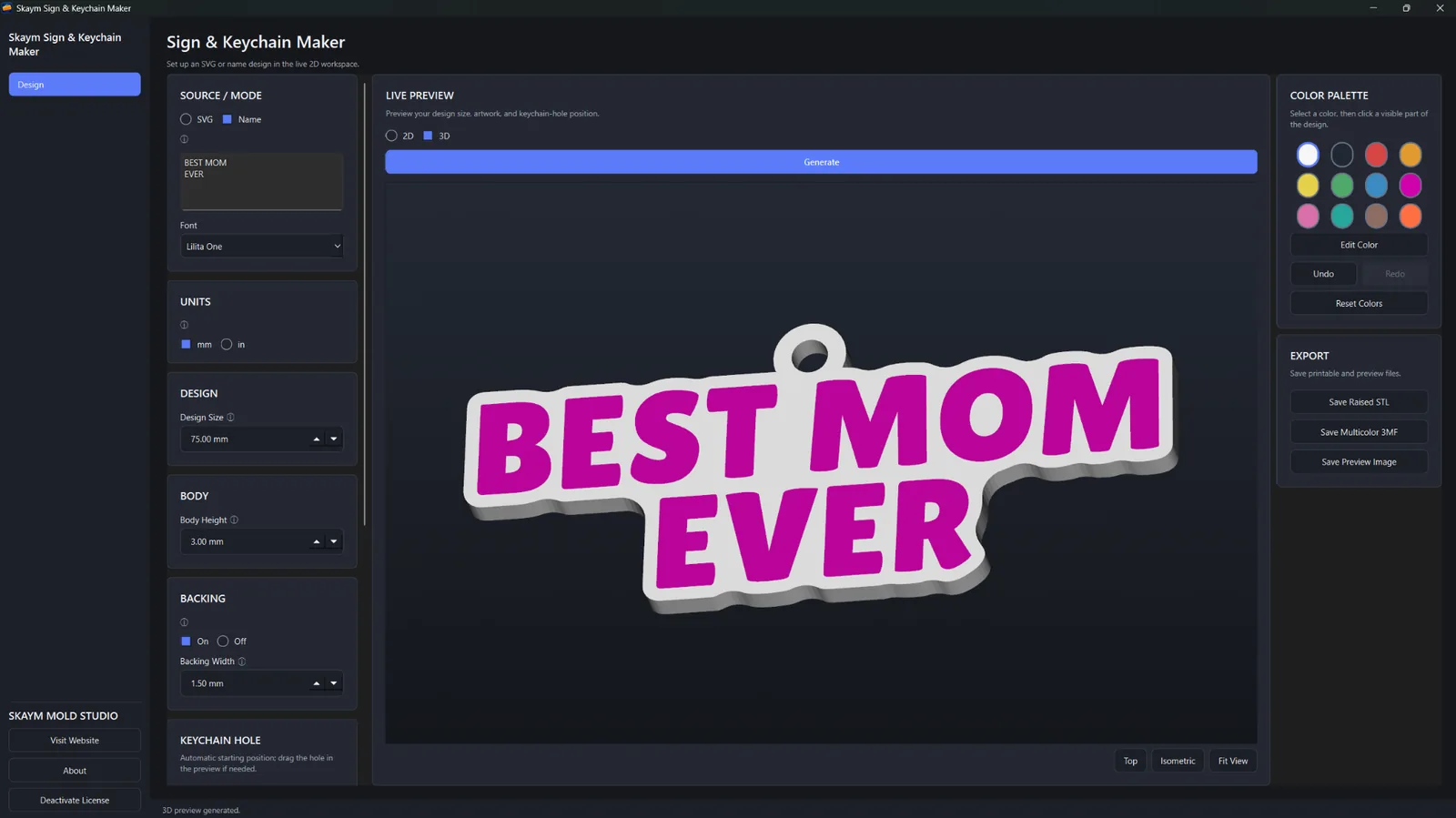
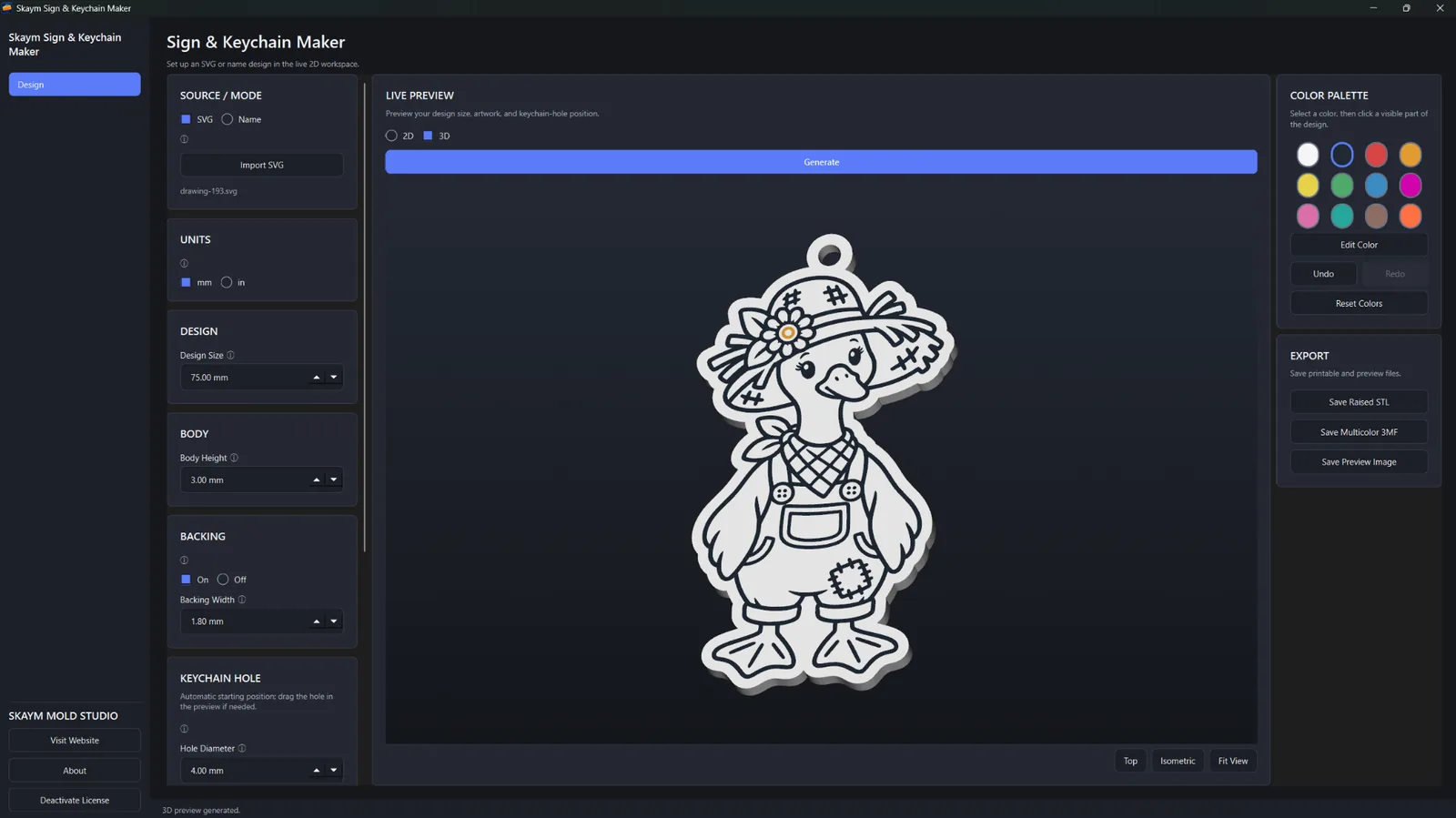
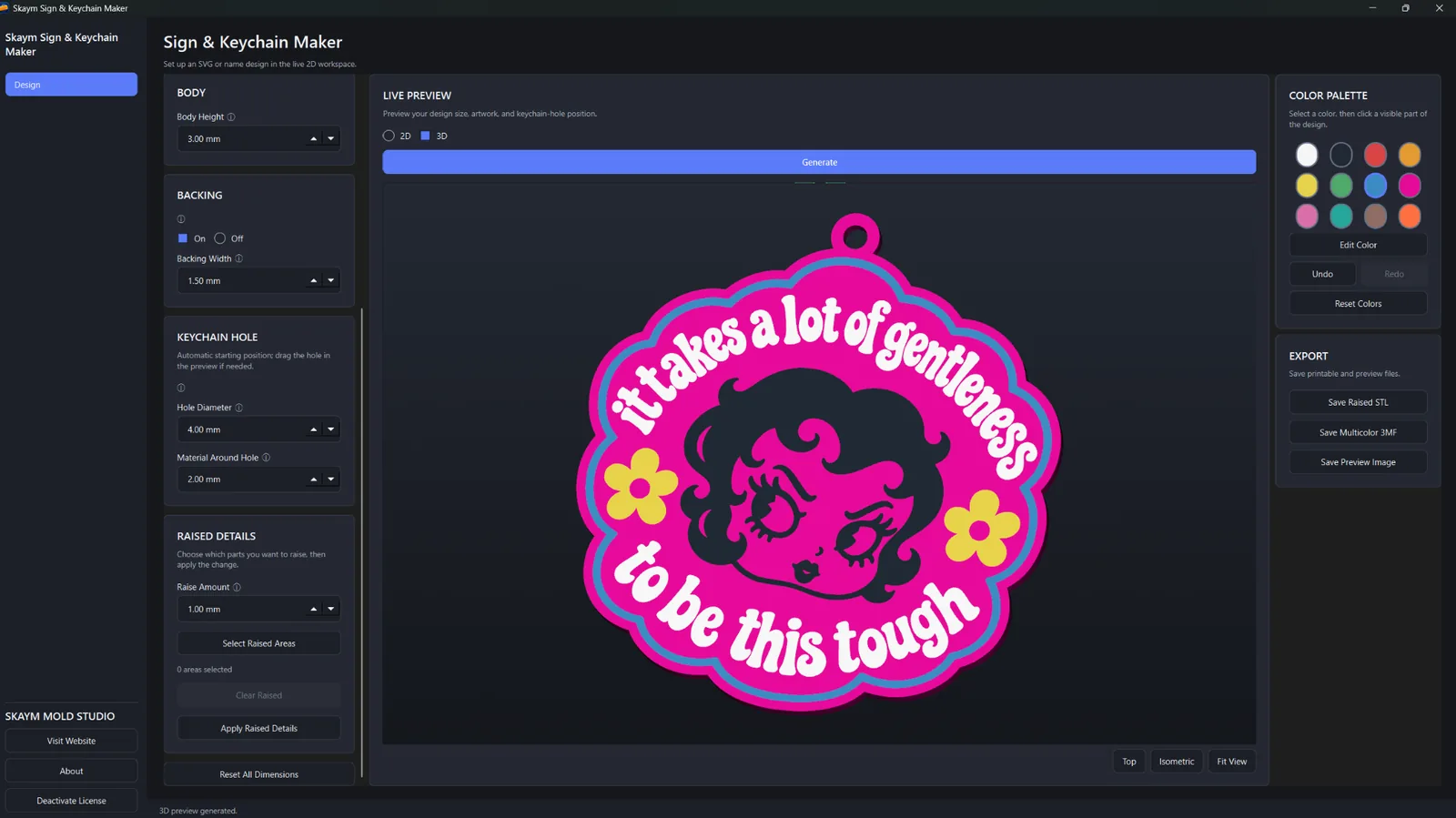
Sign & Keychain Maker goes beyond text generation: it builds the printable geometry, lets you inspect and color it in 3D, and exports files ready for your slicer workflow.
Create printable designs from names or text with selectable fonts and automatic geometry generation.
Import SVG artwork and convert supported designs into sign or keychain geometry.
Generate the backing as part of the focused manufacturing workflow instead of constructing it manually.
Add the keychain hole and control the hole-related dimensions from the app.
Use the raised-detail workflow to build relief into supported design regions.
Control design size, body height, backing, hole dimensions and raise amount from the dedicated interface.
Return the dimensional controls to the app defaults without rebuilding the project.
View dimensions in millimeters or inches while working with the same underlying model size.
Inspect the generated model before exporting your manufacturing files.
Select printable regions in the 3D preview and assign colors for multicolor preparation.
Export separate printable regions in one 3MF, then assign the filament/colors you want to those parts in your slicer.
Export the manufactured raised design as STL for standard slicer workflows.
Save an image preview of the design in addition to the manufacturing exports.
Create, preview and export locally on Windows without uploading your artwork to Skaym for manufacturing.
Examples generated directly in Sign & Keychain Maker from text and SVG artwork. These crops show the finished 3D models; app preview colors can be changed, and multipart 3MF regions can be assigned different filament colors in your slicer.

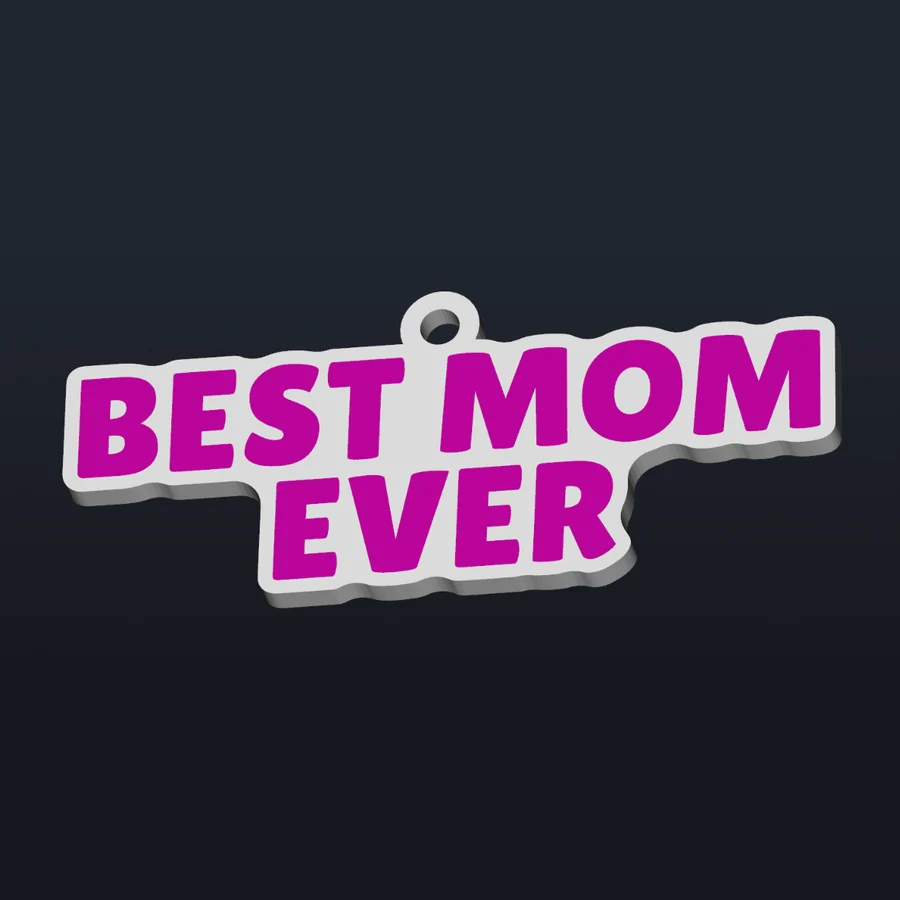
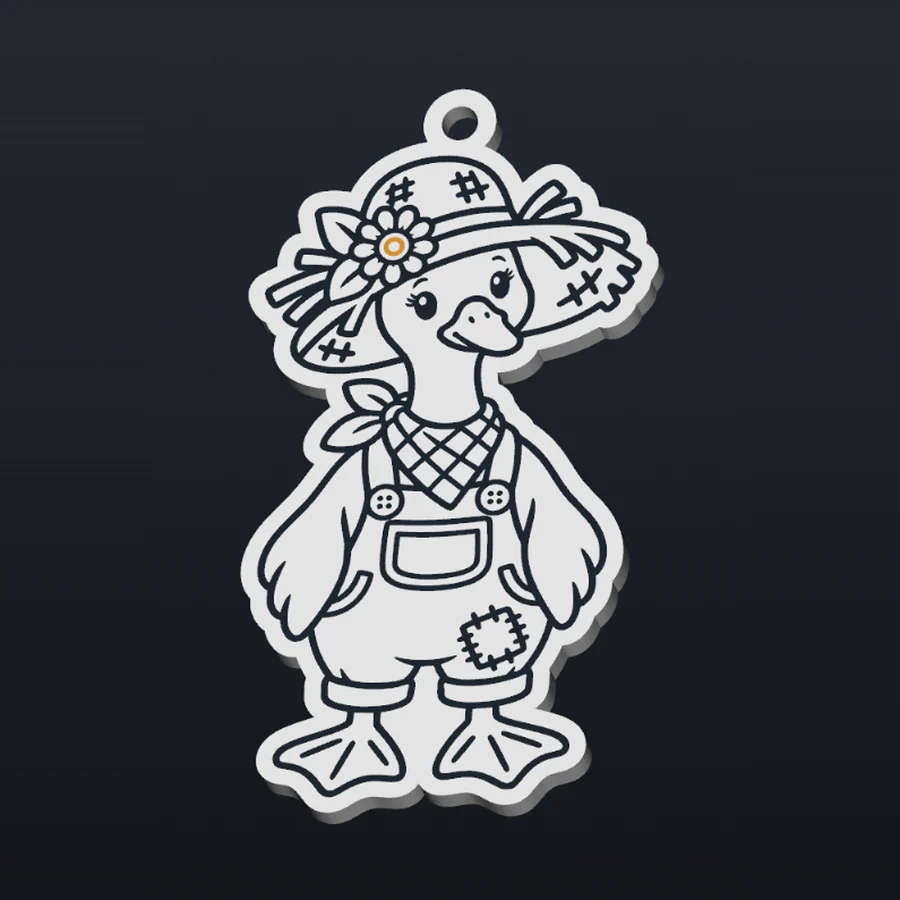

Sign & Keychain Maker performs design generation and manufacturing locally on Windows. Your text/SVG artwork and generated sign/keychain geometry do not need to be uploaded to Skaym for creation or export.
Start from text or SVG artwork and keep backing, holes, raised details, 3D inspection, coloring and export in one dedicated workflow.
Create the text design, adjust its dimensions and let the app handle the backing and keychain workflow around it.
Import supported SVG artwork, generate the backing, add the hole if needed, preview and color the model, then export the manufacturing file.
Monthly and Lifetime unlock the same Sign & Keychain Maker feature set. There is no annual plan, free trial or launch discount.
Choose Monthly or Lifetime at checkout.
Secure checkout is handled by Freemius. After purchase, Freemius emails your license key and Windows download link. Extract the ZIP, launch the app and activate it with your license key.
Use on up to 2 personal PCs. Windows SmartScreen may show “Windows protected your PC” on first launch; choose More info → Run anyway. You do not need to disable Windows Security, Microsoft Defender or SmartScreen.
You may sell the STL/3MF files and physical products you create with Sign & Keychain Maker. You are responsible for having the necessary rights or permission for any artwork, logos, characters or other designs you import or use.
It is designed for printable signs, name/text designs, keychains and related 3D-printable designs using either text or SVG artwork.
SVG mode imports SVG artwork. Name / Text mode creates designs directly from typed text.
Yes. The app includes automatic backing generation and a dedicated keychain-hole workflow with adjustable dimensions.
Yes. You can inspect the generated model, click printable regions, assign colors and prepare multicolor designs before export.
Sign & Keychain Maker supports raised STL export, multipart 3MF export with separate printable regions for slicer color assignment, and preview-image export.
No universal guarantee is made for every possible SVG. The app supports SVG artwork as part of its manufacturing workflow, and you should inspect the generated geometry before printing.
No. Design generation happens locally on your PC. Checkout, account, license, device, payment and security services may still process the information needed to operate those services.
On first launch, Windows SmartScreen may display “Windows protected your PC.” If it does, click More info → Run anyway. You do not need to disable Windows Security, Microsoft Defender, or SmartScreen.
One Sign & Keychain Maker license can be used on up to 2 personal PCs.
No. Sign & Keychain Maker v1.0.0 is a Windows desktop application.
Sign & Keychain Maker is $7.99/month or $79.99 Lifetime. There is no annual plan, free trial or launch discount.
Yes. You may sell the STL/3MF files and physical products you create with Sign & Keychain Maker. You are responsible for having the necessary rights or permission for any artwork or designs you import or use.
Email skaymmoldstudio@gmail.com for Sign & Keychain Maker support. Do not post your license key publicly.
Generate the backing, add a keychain hole when needed, work with raised details, inspect and color the model in 3D, then export raised STL or multipart 3MF for slicer color assignment.